2026 Comparison: Choosing the Best Conversational Form Builder for Your SaaS
An objective look at how FlowyForm stacks up against industry leaders like Typeform and Jotform in performance, UX fluidity, and scalability.
February 23, 2026
Choosing a form builder in 2026 is no longer just about "collecting data." For modern SaaS companies, agencies, and indie hackers, the form is a critical touchpoint in the user journey. It’s the difference between a bounced visitor and a qualified lead.
Today, we’re comparing the three heavyweights of the conversational space: Typeform, Jotform, and the newcomer focused on momentum, FlowyForm.
1. UX Fluidity: The "Momentum" Factor
In 2026, users have zero patience for lagging transitions.
- Typeform: Still the pioneer of the "one-question-at-a-time" interface. Their design is iconic, but the platform has become increasingly "heavy" over the years, leading to slower load times on media-rich forms.
- Jotform: While they offer a conversational "Cards" mode, it often feels like a skin over a legacy database builder. It lacks the tactile, snappy feedback that modern users expect.
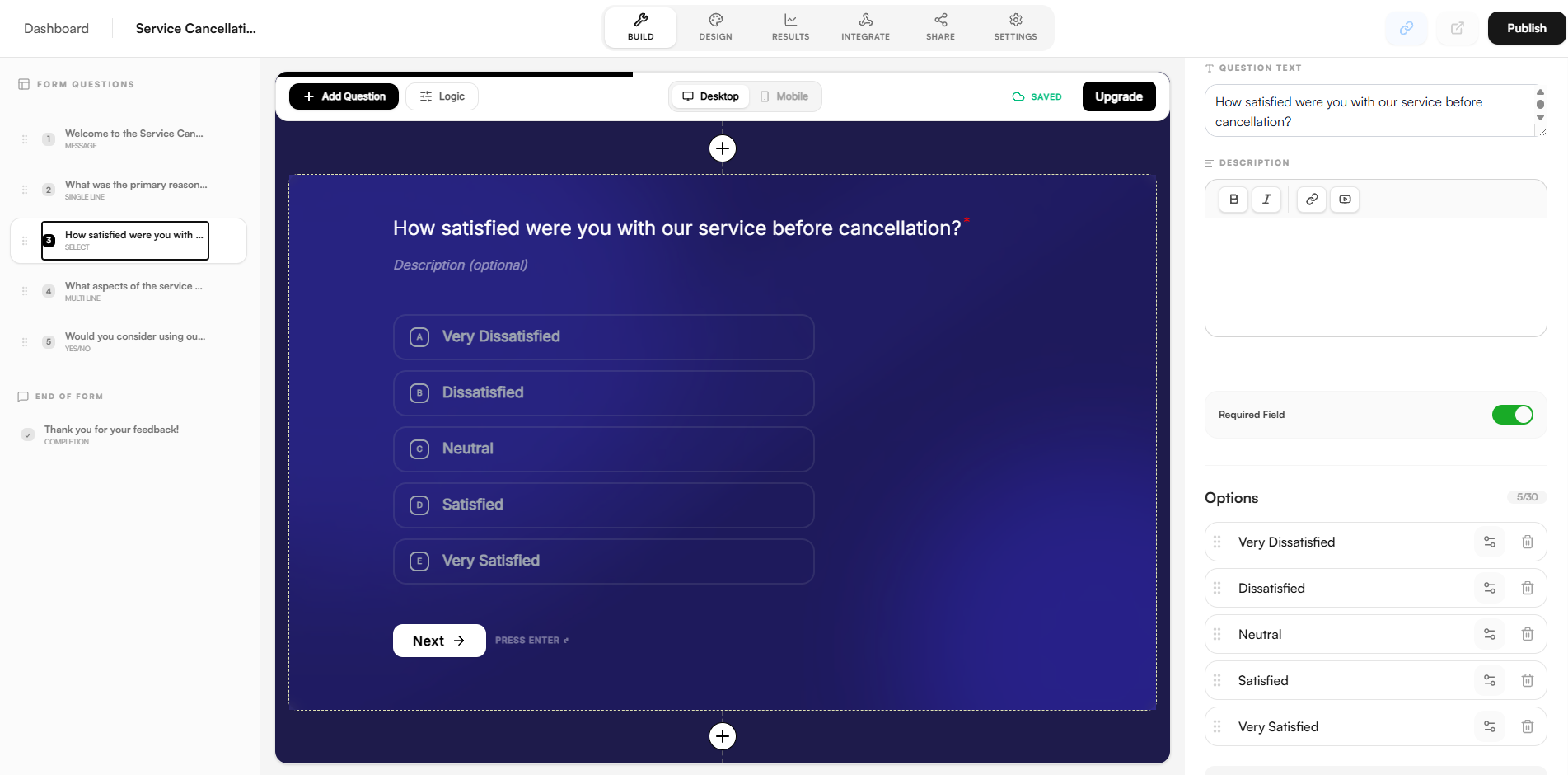
- FlowyForm: Built from the ground up for Momentum-Based UX. The focus here is on high-performance transitions and fluid, app-like feedback. It’s designed to make the user feel like they are moving forward, significantly reducing "form fatigue."
2. Scalability & The "Success Tax"
This is where the biggest divide exists. Most legacy builders use a pricing model that scales with your submissions—effectively taxing you for your own marketing success.
- Typeform & Jotform: Both platforms enforce strict submission caps. If a marketing campaign goes viral, you are often hit with a "Success Tax"—sudden overage fees or a locked dashboard until you upgrade to a significantly more expensive tier.
- FlowyForm: Disrupts this model by offering unlimited forms and submissions on the free and pro tiers. By removing growth caps, FlowyForm allows you to scale your intake and lead generation without the fear of hitting a paywall at the worst possible moment.
3. Developer Experience & Integration
For the software engineers and technical founders building the web in 2026, the "under-the-hood" matters.
- Jotform: Incredible breadth of widgets, but the interface can feel cluttered and the API documentation is dated.
- Typeform: Strong integration ecosystem, but customization options are often locked behind their most expensive enterprise tiers.
- FlowyForm: A developer-first approach. It features a world-class rich media editor for question descriptions (supporting YouTube and advanced formatting) and a clean, modern API/Webhook system. It’s built to be a seamless part of your tech stack, not a siloed third-party tool.
📊 At a Glance: 2026 Comparison Table
| Feature | Typeform | Jotform | FlowyForm |
|---|---|---|---|
| UX Style | Conversational (Classic) | Hybrid/Legacy | Momentum-Based |
| Submission Limits | Restrictive Caps | Restrictive Caps | Unlimited |
| Rich Media | Good | Moderate | Advanced |
| Performance | Average | Average | High (Optimized) |
| Pricing Strategy | Pay-per-response | Pay-per-response | Flat-rate / Scale-free |
The Verdict
- Choose Typeform if: You need a highly recognizable brand name and have a large budget to support high-volume submission tiers.
- Choose Jotform if: You need 500+ specific niche widgets and don't mind a slightly more dated user experience.
- Choose FlowyForm if: You value performance, want an app-like feel for your users, and need a platform that lets you scale your submissions to infinity without a "Success Tax."
Ready to see the difference momentum makes? Build your first FlowyForm for free.

